How to rate a support ticket
Please follow the following steps to complete this proccess
Step 1 : Login to your sive.host account
- Click on clients
- manage account
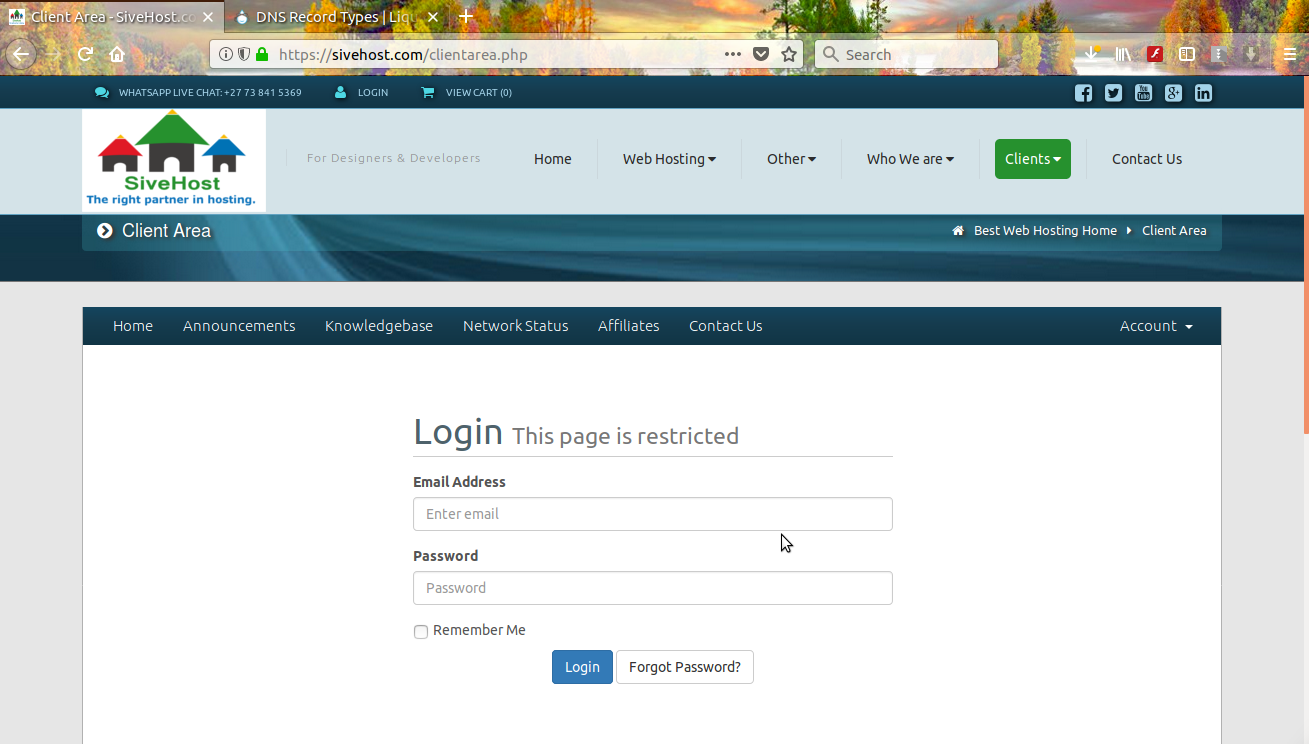
Step: 2 Click on Ticket number
Step 3: Rate Ticket Respond

How to rate a support ticket
Please follow the following steps to complete this proccess
Step 1 : Login to your sive.host account
Step: 2 Click on Ticket number
Step 3: Rate Ticket Respond
Which dental practice would you choose to contact given the following email addresses:...
After over a decade without any major upgrades to the language, PHP 7 made its debut in...
Just like the Serengeti wildebeest migration driven by the November rains, gradually they...
Customers today are flooded with emails – and become selective on what they open. It is...
Unless you’re a small business owner who is not interested in growing your brand, you need to...
Uzmanlarımız hiçbir ekstra ücret ödemeden sitenizi sıfır kesinti süresiyle güvenli bir şekilde aktaracaktır. Sorunsuz geçiş ekibimiz tarafından gerçekleştirilir, böylece işinize odaklanabilirsiniz.


Copyright © 2026 Creative Matrix. All Rights Reserved.